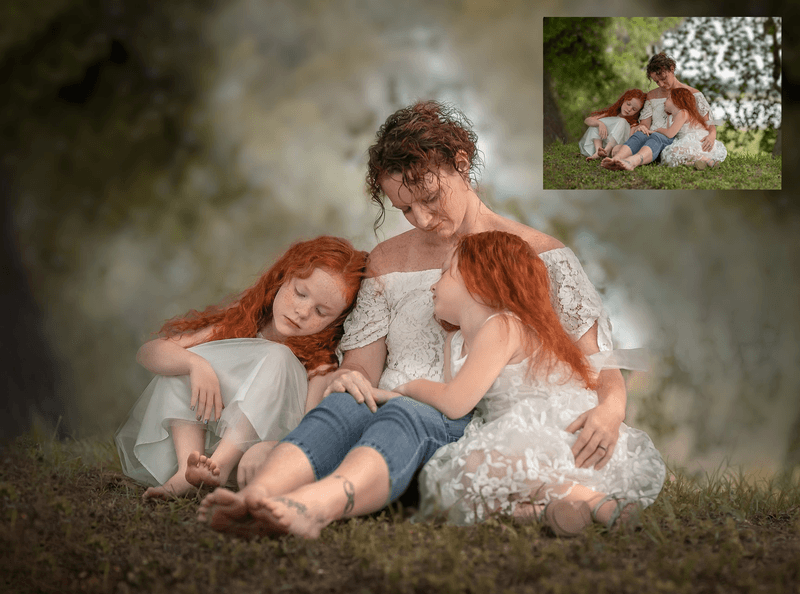
Fall Airy Edit
Photoshop Edit : "Airy Fall " Learn Curves, camera raw ,Background Blur & Compositing. In this tutorial I'll be sharing the steps for how to edit natural light portraits in Photoshop to achieve a light, bright and airy look to the your fall photos. This technique is best used for images that have a bit of natural light.
- Image is edited by hand
- Editing is done in Photoshop cc
- My tutorials are for photographers who have an understanding of layers and layer masks.
- 1 free action included